Klean UI is ready
Klean UI means Kelvin's Lean UI. It is the component system we wanted for The Boring JavaScript Stack: framework-native source for Vue, React, and Svelte; accessible browser behavior; Durable UI resilience; and ordinary Tailwind that belongs to the application.
The CLI delivers and inspects the source. It does not own the interface after installation.
npx klean-ui add buttonThat command adds the matching Vue, React, or Svelte component to your application. You can edit and style the installed source directly.
Why now
We did not start with the ambition to make another component library. We tried PrimeVue first. It is capable, but its styling model was the wrong trade for the products we were building. Making Slipway look unmistakably like Slipway and Hagfish look unmistakably like Hagfish meant repeatedly working through a library-owned styling contract when we wanted to edit the markup and Tailwind directly.
The problem was not a missing preset. It was ownership.
Klean UI came out of the repeated work that followed: native dialogs and popovers, forms that remain ordinary HTML, navigation that stays linkable, state that survives real browser behavior, and components whose source can be read in one sitting. We extracted those decisions only after they survived two very different applications.
How it differs from shadcn
Klean keeps the best part of the shadcn idea: the application owns the copied source. The difference is the default path and the public API.
- A conventional Boring Stack app needs no
initstep or project manifest. - Vue, React, and Svelte are equal framework-native targets.
classorclassNameis the visual API; Klean does not require avariant,size,tone, or radius matrix.- Native platform behavior comes first when the browser already provides it.
- Durable behavior is part of correctness, not a separate state-management layer.
- Updates begin with
checkanddiff; local edits are never silently replaced.
Klean provides neutral defaults. Your application supplies its own visual voice.
One contract, three native implementations
Vue, React, and Svelte do not share a runtime wrapper. Each registry item uses the framework's own conventions while preserving the same semantics, accessibility outcomes, states, useful slots, and caller-owned styling hooks.
What shipped
The 0.0.3 launch included:
- 42 documented components, from Button, Field controls, Dialog, Popover, Menu, Select, Combobox, and Command through Calendar, Date Picker, Schedule Picker, DataTable, Sidebar, Toast, and application-state recipes;
- 98 original Klean Icons on one 24px canvas with a calm 1.5px stroke;
- Durable UI source for stored state, URL state, drafts, scroll recovery, optimistic work, and abortable search;
- a zero-configuration CLI with dry runs, dependency planning, revision-aware diffs, and rollback-safe updates.
Distinctive product interfaces
Slipway: dense operational UI
Slipway exercises compact navigation, settings, command surfaces, data-heavy tables, destructive operations, deployment workflows, and dark mode. Its Klean adoption replaced repeated icon geometry while preserving the product's exact density and hierarchy.
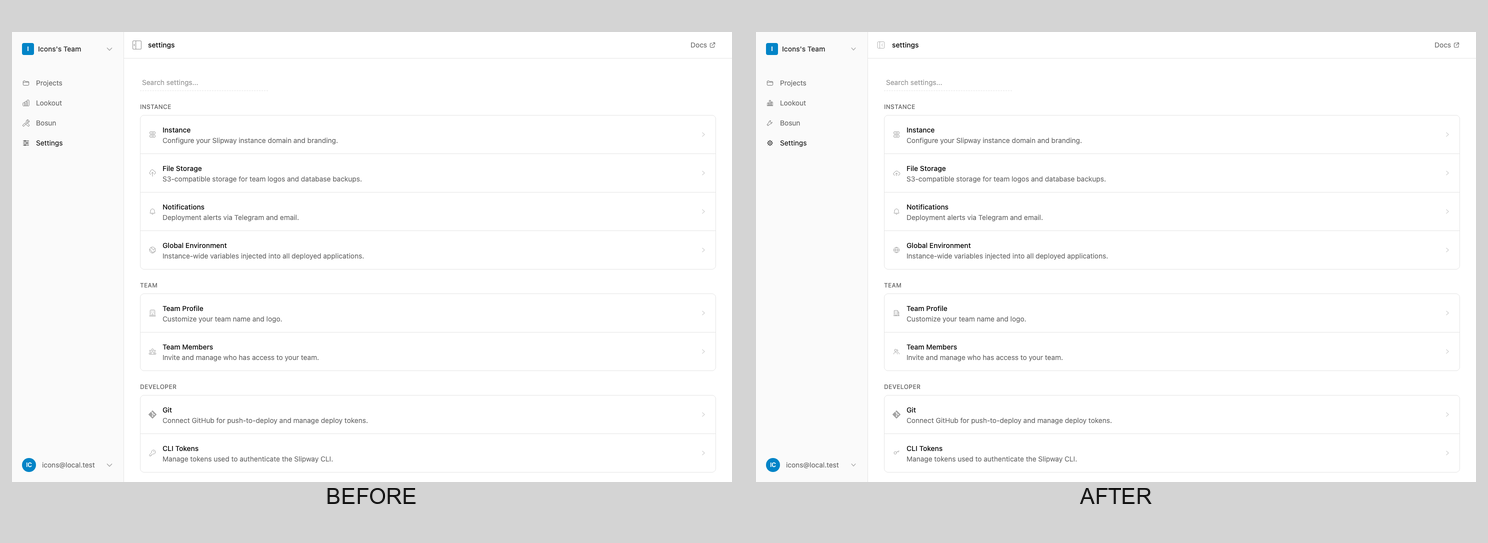
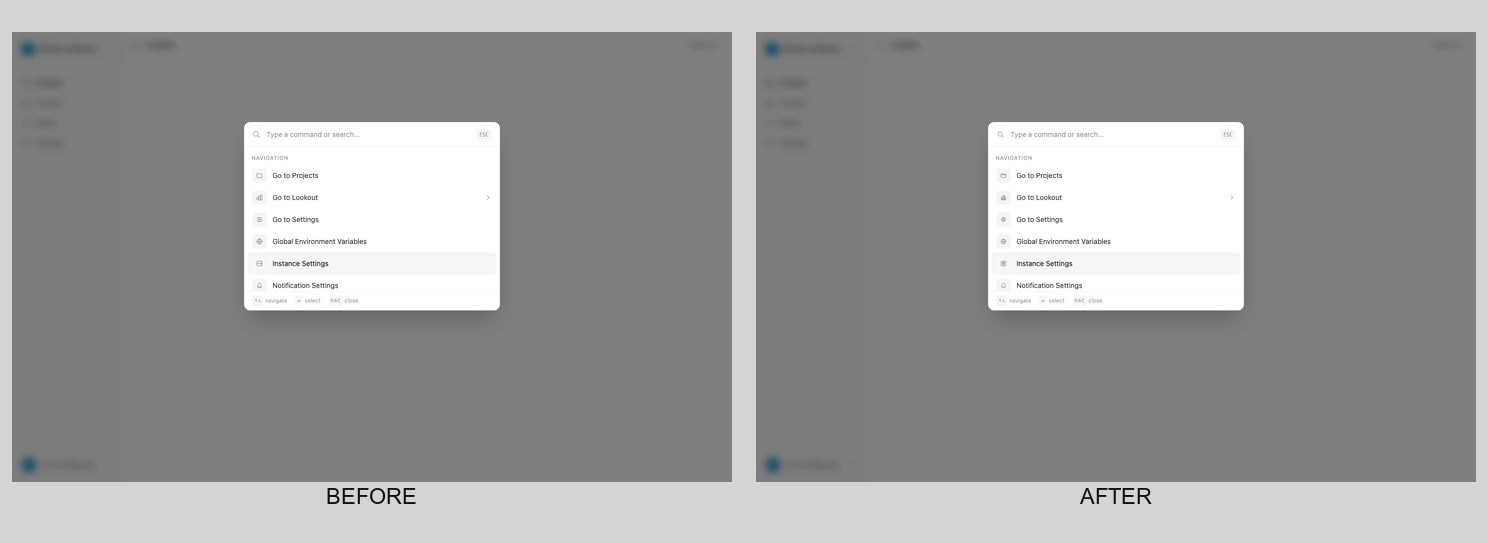
The point of the comparison is how little the product identity moves. Shared source removed duplication; it did not redesign Slipway.
Hagfish: expressive application UI
Hagfish uses thicker borders, stronger contrast, playful details, document workflows, invoice scheduling, and both light and dark treatments. Its own artwork and visual emphasis sit alongside source-owned Klean components.
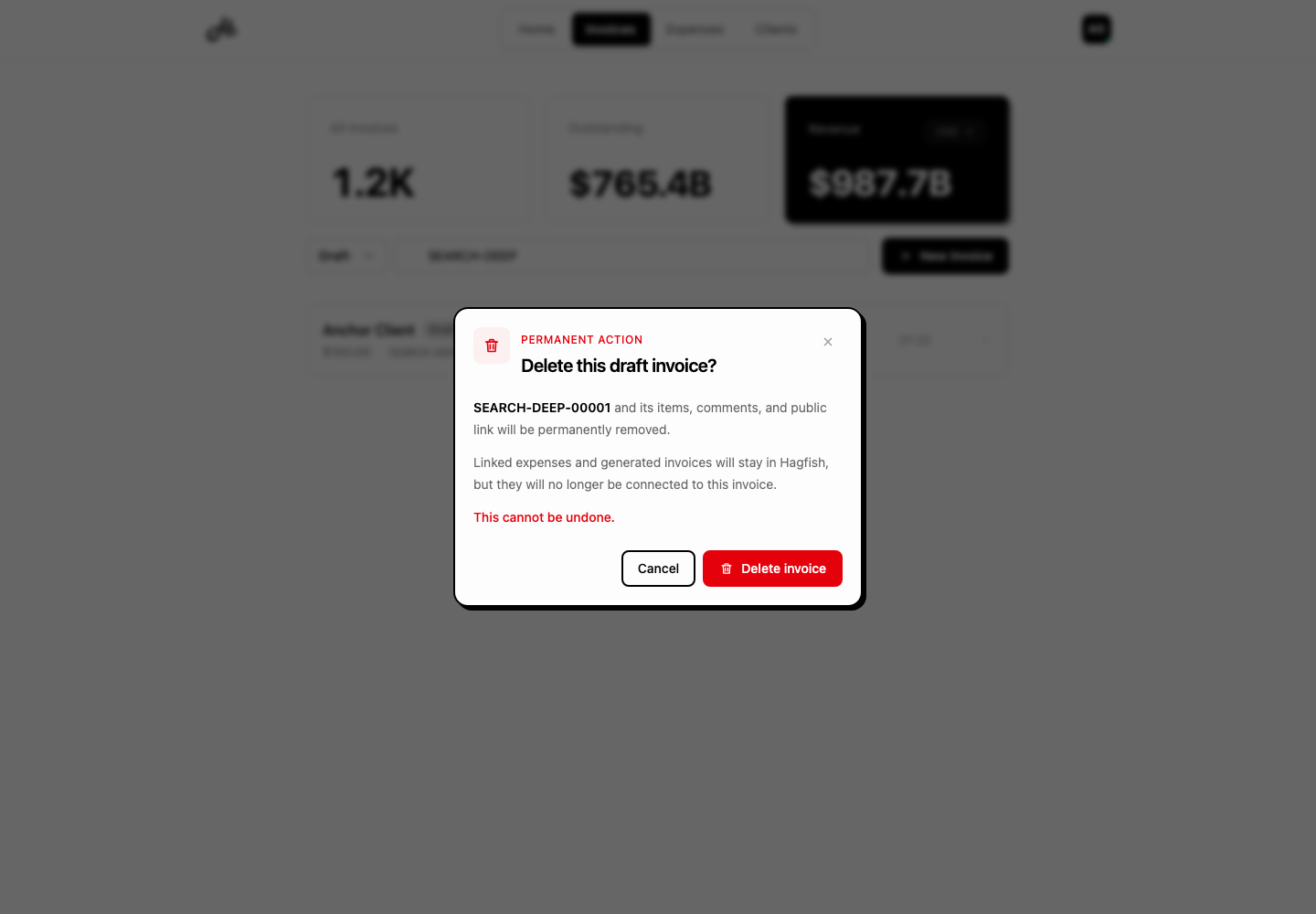
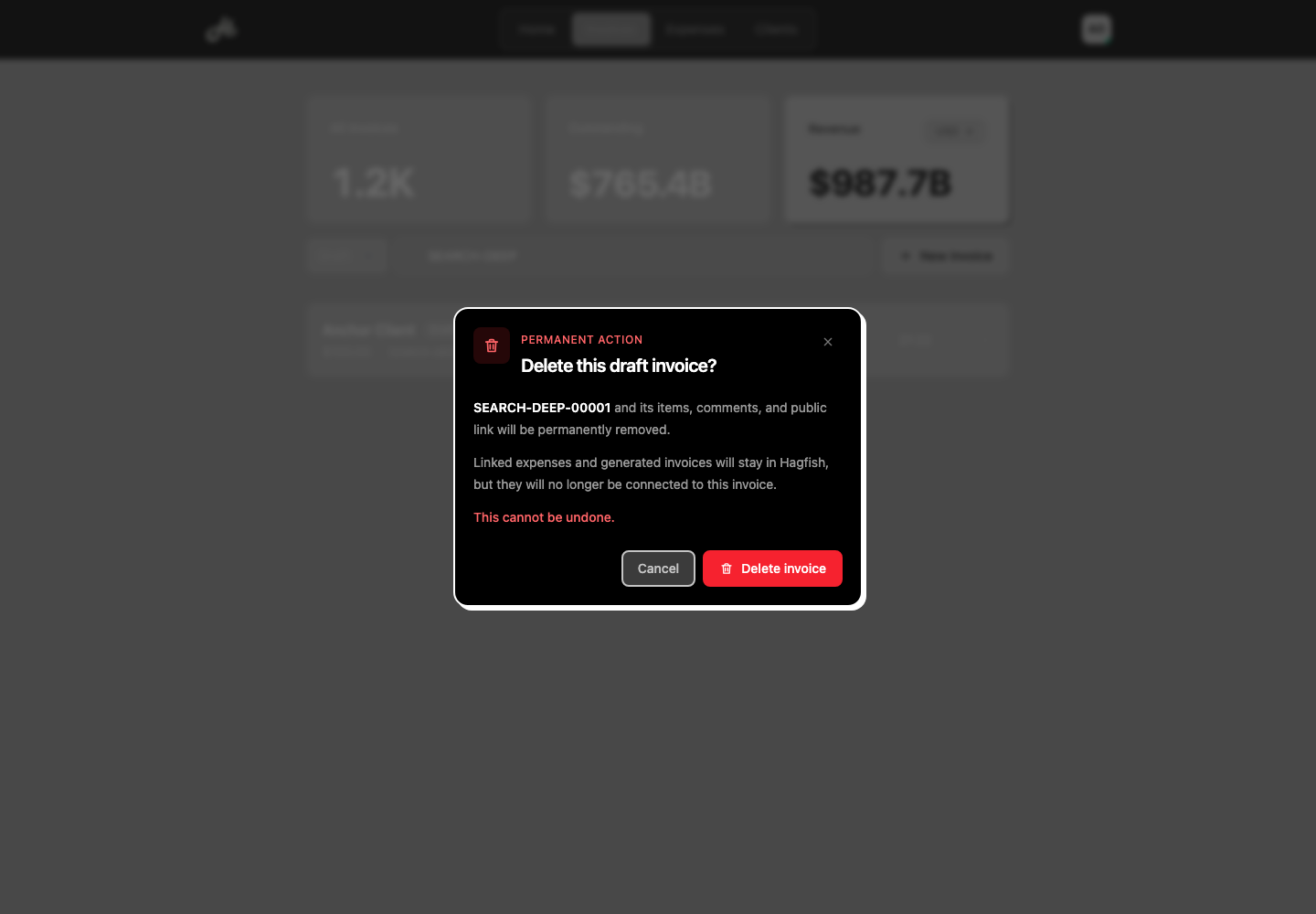
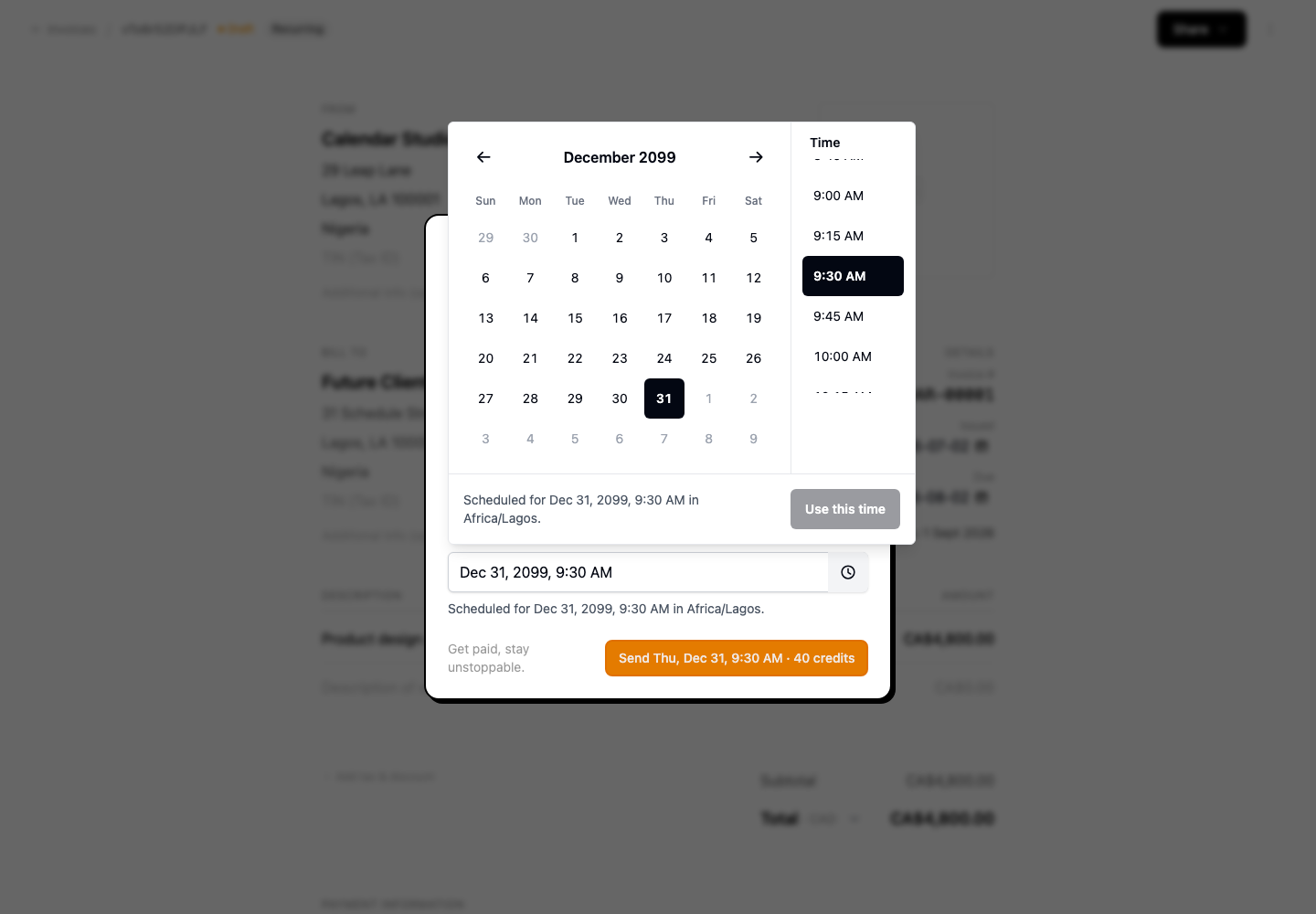
Logos, illustrations, and Hagfish's squiggly dividers keep their own character.
Durable UI is the implementation philosophy
Klean UI is where our Durable UI practice becomes ordinary application code. Useful state survives reloads when it should. Query state stays shareable. Drafts restore deliberately. Focus returns after overlays close. Optimistic work rolls back visibly. Stale search requests lose. Reduced motion remains a real supported state.
Not every primitive needs persistence. The component or application flow that owns the state also owns its recovery. Klean adds the behavior only where it makes the interface more resilient.
Read the Durable UI contract →
Updates remain yours
Copied source cannot be updated responsibly by pretending local edits do not exist. Klean makes inspection the default:
npx klean-ui check
npx klean-ui diff button
npx klean-ui update button
check is read-only. diff shows application source against the invoked CLI's registry. update automatically replaces only an exact known Klean revision; component files, prerequisites, dependencies, and lockfiles are planned as one transaction. Local or unknown changes stop the update for review unless the caller explicitly chooses overwrite.
Deliberate omissions
Klean leaves these choices with the application:
- themes and visual treatments;
- icon selection;
- product logos and brand artwork; and
- decisions about replacing locally edited source.
Patch releases may fix implementation, accessibility, or browser compatibility without intentional API breaks. Minor releases are additive. Any breaking structure or behavior comes with migration guidance, including before 1.0.
Start owning the source
Install a component:
npx klean-ui add buttonInstall only the icons an application uses:
npx klean-ui add icon trash search calendarGive a coding agent the same decision rules:
npx skills add sailscastshq/klean-ui --skill klean-uiThen open the files. Change the classes. Wrap repeated product treatments in your own components. Keep the native semantics. The source is yours.